 CardLoom · flashcards & study tools
Nine ways to study
the very same deck.
CardLoom brings each card back right before you’d forget it — and gives you nine ways to practice the same deck, so studying actually sticks. Set a test date and it builds a plan to get you there. Your decks follow you from iPhone to iPad to Mac through your own iCloud — and there’s still no account to make, no server of ours, and no ads.
See CardLoom in a couple of minutes
Professor Loom walks you through the nine study modes, the plan that gets you ready by test day, and a library that stays on your own devices.
Nothing loads from YouTube until you press play — or watch it on YouTube instead.
Calm, playful, and quick to study
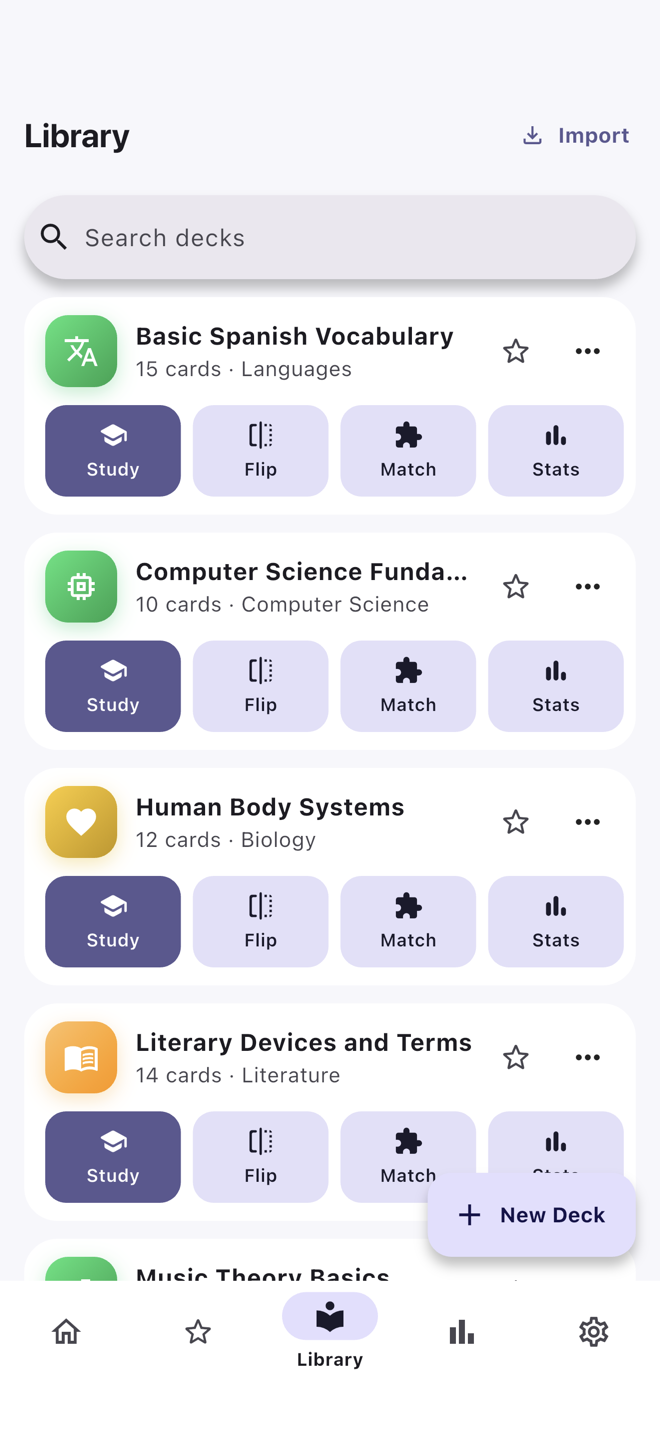
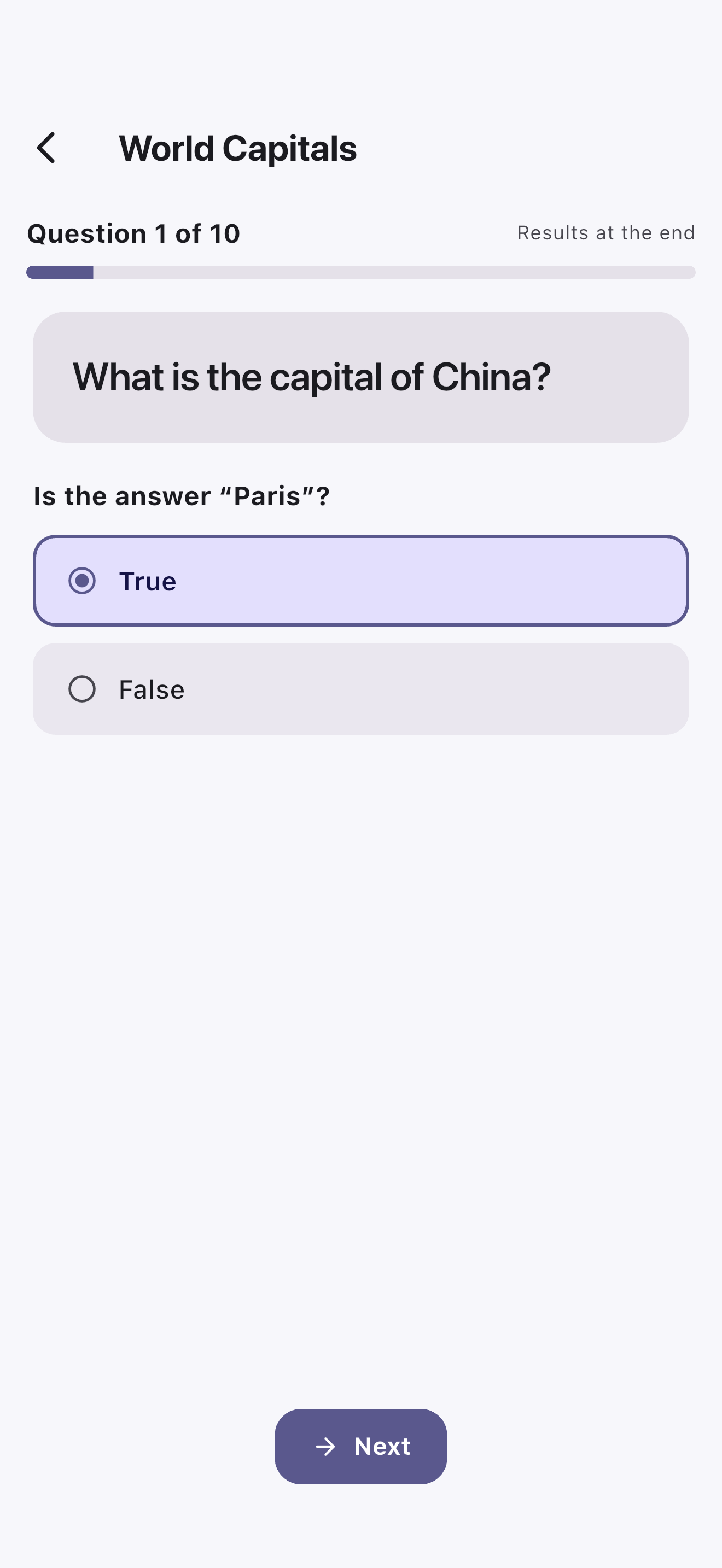
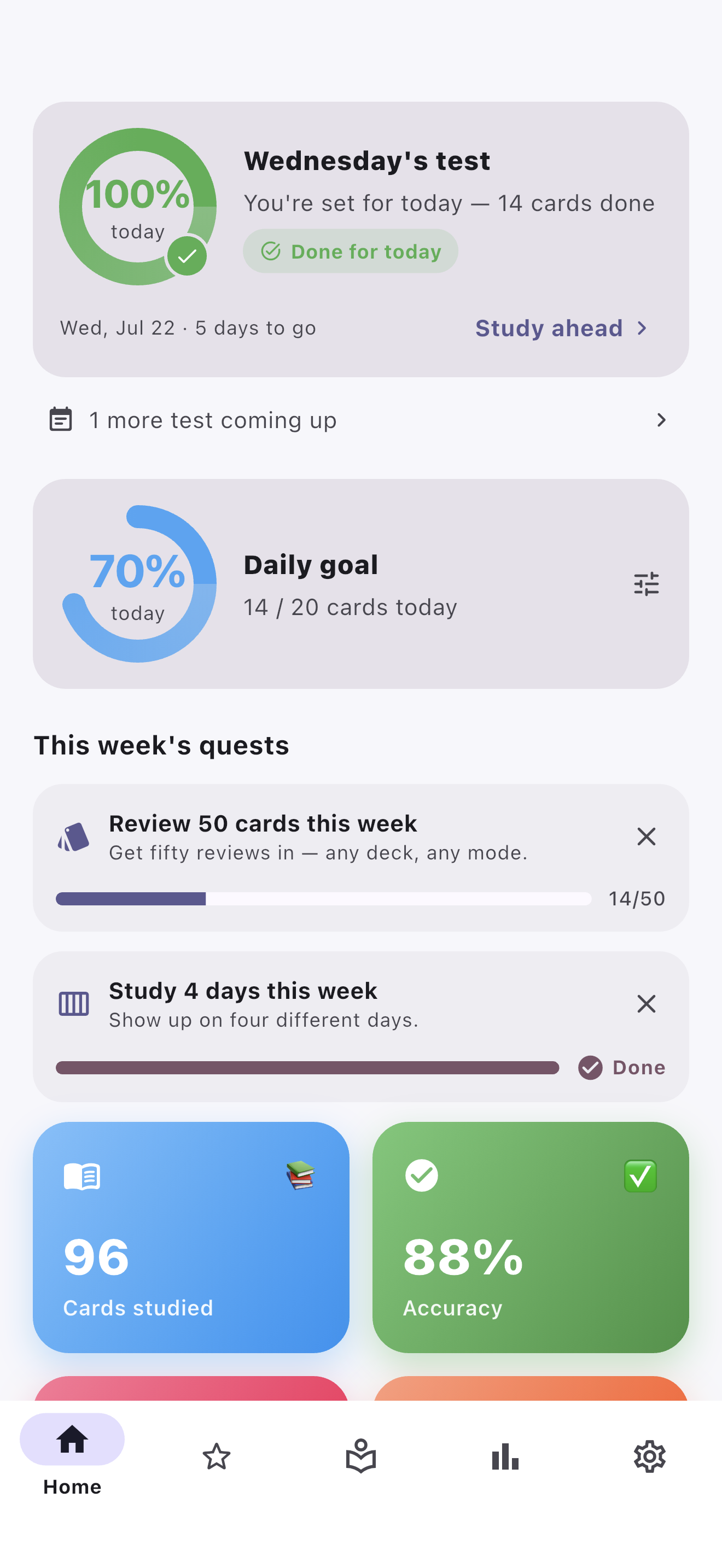
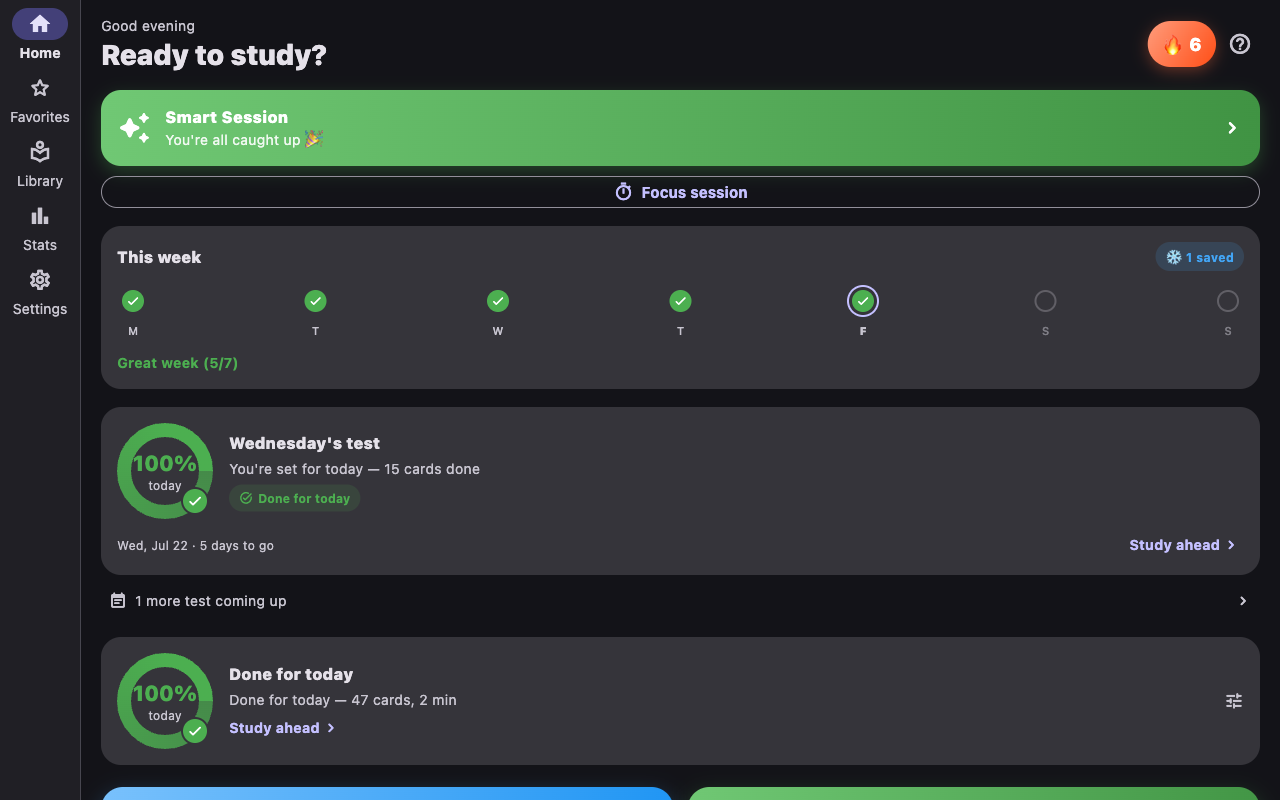
CardLoom on iPhone and on the Mac — the same app and the same decks on iPad, Windows and Linux too.
Study smarter, not longer
Nine ways to practice the same deck, a plan that gets you ready by test day, and a library that’s entirely yours.
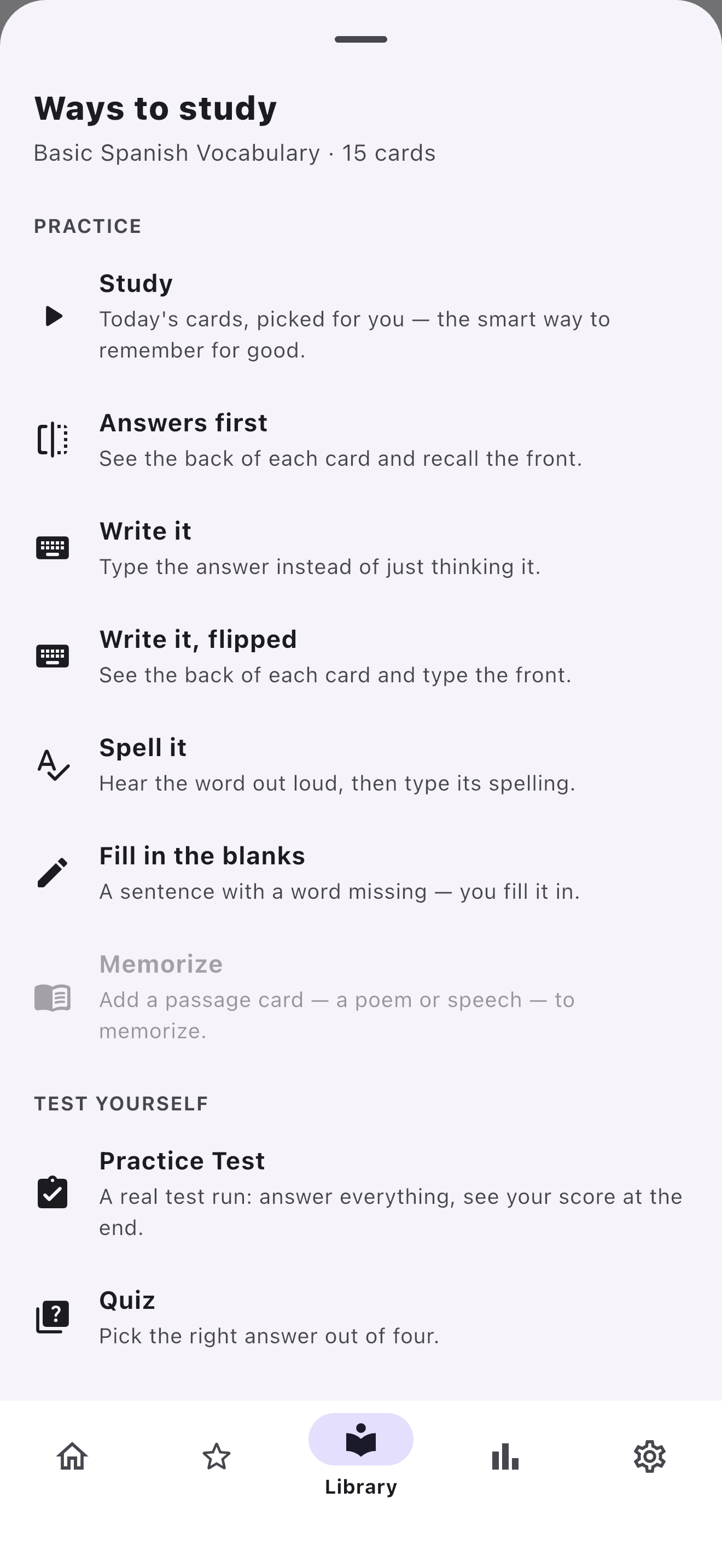
Nine ways to study one deck
- Study — today’s cards, picked for you by spaced repetition
- Answers first — see the back of each card and recall the front
- Write it — type the answer, graded forgivingly
- Write it, flipped — see the back and type the front
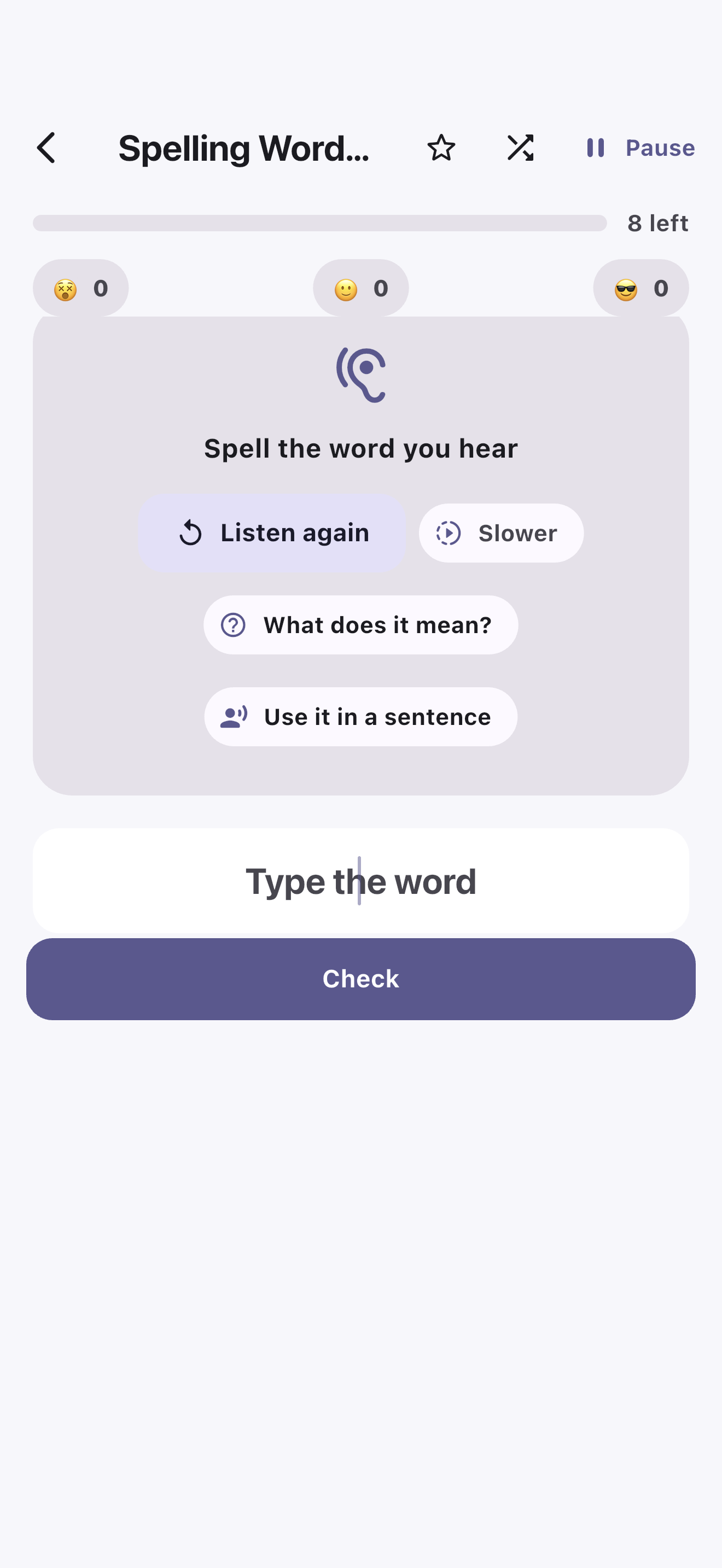
- Spell it — hear the word out loud, then type its spelling
- Fill in the blanks — a sentence with a word missing
- Memorize — learn a poem or speech word for word
- Practice Test — answer everything, see your score at the end
- Quiz — pick the right answer out of four
- Plus Flip through at your own pace, matching games, the arcade, and hands-free Listen
Ready for test day
- Set a test date and CardLoom builds a plan to be ready in time
- “Today’s plan” tells you exactly what to study today
- An honest readiness estimate — never false confidence
- Study ahead on the days you have time to spare
- Every upcoming test in one place
Motivation that’s kind
- A daily goal you set for yourself
- Gentle streaks with earned freezes — miss a day without losing it
- Weekly quests to keep the habit going
- Mastery rings, levels and badges
- No shame, no fake urgency, no pay-to-win
Built for every age
- Explorer, Student and Scholar profiles tune the words and the look
- Read-aloud for questions and answers
- Larger text and an easier-to-read font
- Reduced motion for anyone who wants it
- Full screen-reader support
Everyone on one device
- Separate learner profiles on a shared iPad or computer
- Switch learners in one tap from the home screen
- Each learner’s decks and progress stay their own
- Copy a deck to another learner on the device
- Teacher Mode adds grade and subject tags, and distribute-to-class
Make it yours
- Create and edit decks in seconds
- Add images to your cards
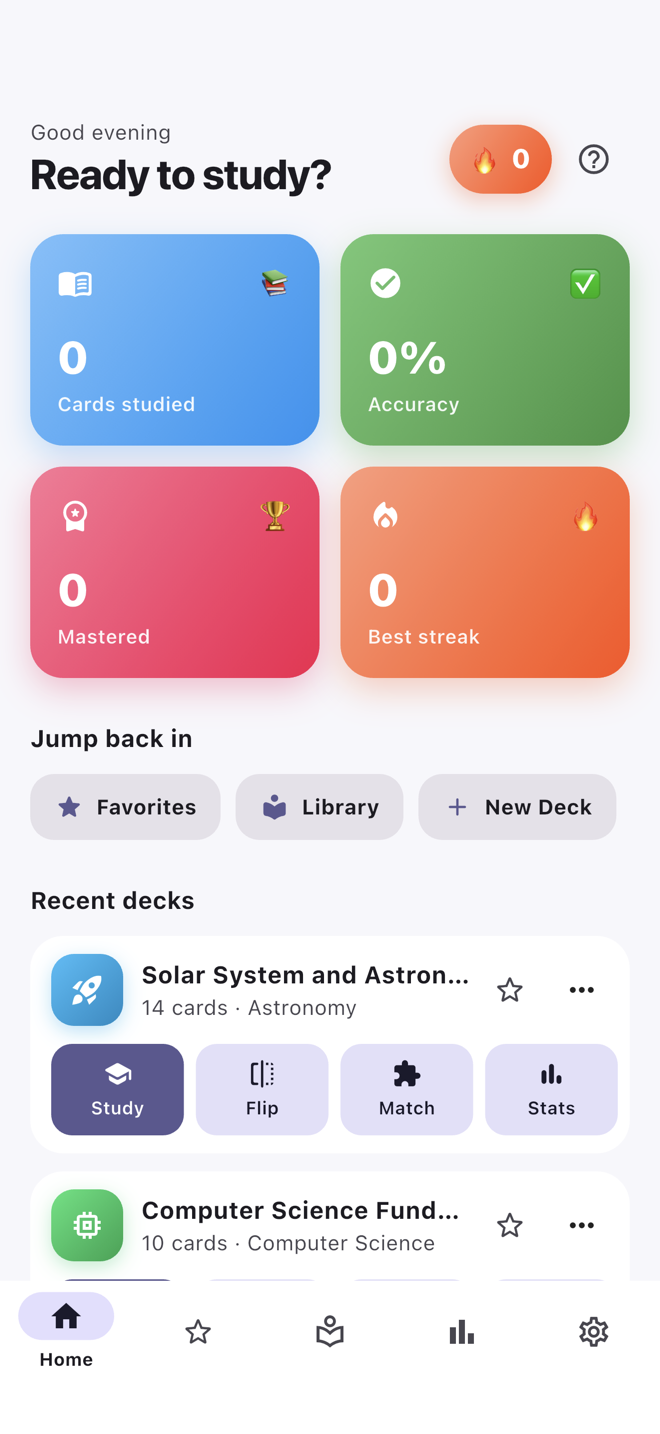
- Star the decks you use most and find them in the Favorites tab
- Search your whole library when it grows past a screenful
- Smart Session studies across all your decks at once
- Tricky Cards focuses on the ones you keep missing
- Starter decks included — Spanish, world capitals, biology, spelling, poems and more
Print it out
- Flashcards laid out to cut apart
- A study guide for the whole deck
- Worksheets, with an answer key on its own page
- Printed tests, drawn from the same generator as the in-app Practice Test
- Handy for classrooms and for study away from a screen
Share without accounts
- Send a deck by Messages, Mail, AirDrop, or as a file
- Import one someone sent you with a tap
- Great for teachers and classmates — no logins anywhere
- Choose to keep both copies or replace one
- Your own study progress is never shared
Your decks on every Apple device
- Start a deck on your iPhone, finish it on your iPad or Mac
- Decks, cards and study progress all carry over
- It rides on your iCloud account — not a server of ours
- On by default, and one switch in Settings turns it off
- Still works with no signal — it catches up when you’re back online
- Windows, Android and Linux stay entirely local for now
Private by design
- Studies offline — no connection needed to use it
- No accounts and nothing to sign up for
- No tracking, no analytics, no ads
- iCloud sync is between you and Apple; we can’t see it
- Back up and restore your data yourself, whenever you want
- Nothing is ever sent to us
- Read our Privacy Policy
One-time purchase. No subscription.
Buy it on the store you already trust. No account required.



Each platform is a standalone, one-time purchase sold through the store you already trust. We don’t offer a cross-platform bundle: verifying one would require us to know who you are, and we don’t. Apple’s Universal Purchase means one $9.99 payment covers Mac, iPhone, and iPad. Read our full Privacy Policy →
CardLoom is a tool, not a service
Most study apps charge you every month — and lock your own decks behind a paywall, or hold your progress on their servers. We think that’s the wrong model. You buy CardLoom once and it’s yours. We don’t host your decks, we don’t run servers you depend on, and we don’t have a business model that requires you to keep paying to keep studying. Your purchase never expires and never stops working.
“What you’re learning is your business. CardLoom keeps your decks and your progress on your own devices — and, if you want them in sync, in your own iCloud.”
Pricing models across popular flashcard apps
| App | Price model | Typical cost | Platforms | Your data |
|---|---|---|---|---|
| Quizlet Plus | Subscription | ~$36/yr | All platforms | Their servers |
| Brainscape Pro | Subscription | ~$96/yr | All platforms | Their servers |
| RemNote | Subscription | ~$96/yr | All platforms | Their servers |
| Anki | Free / one-time | Free desktop · $24.99 iOS | All platforms | Local + AnkiWeb |
| CardLoom | One-time | Pay once, own forever | Mac · Win · Linux · iOS · Android | Your devices · your iCloud |
Competitor pricing is approximate and current as of July 2026, sourced from each app’s website; plans and prices change.
Ready to start learning?
CardLoom is available now on the App Store for Mac, iPhone and iPad, on the Microsoft Store, on Google Play, and for Linux. One purchase, nine ways to study, and everything stays on your own devices.